For Managers
This section is for managers who oversee inspections and make decisions. You review what inspectors submit, decide outcomes, assign work, handle complaints, and keep an eye on performance.
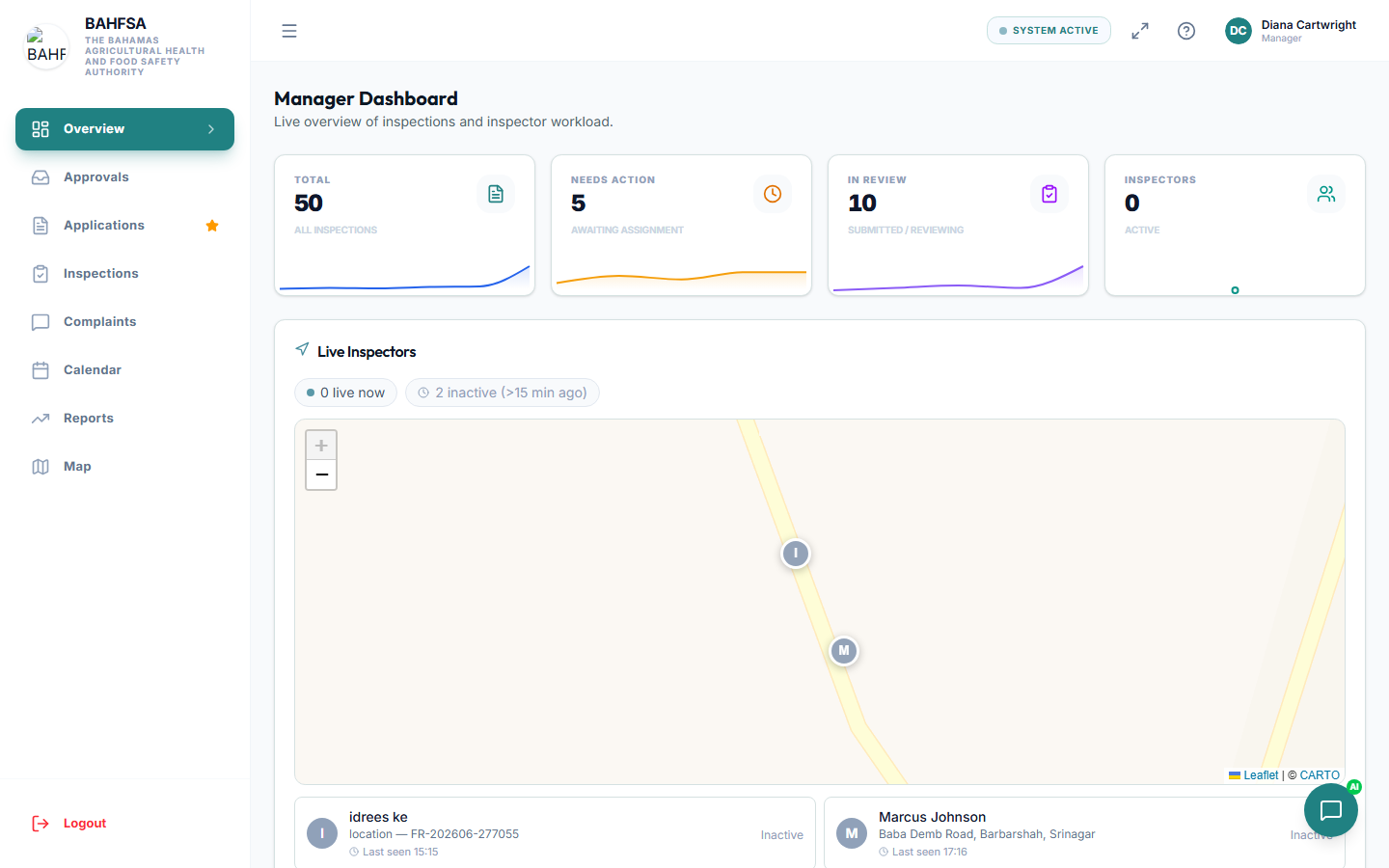 Your dashboard gives an overview of activity and what needs your attention.
What you can do
| Task | Description | Guide |
|---|---|---|
| 🗂️ Review & approve | Work through your approval queue and decide each case. | Reviewing Submissions |
| 🪪 Assign inspectors | Give inspections to inspectors with dates and time slots. | Assigning Inspectors |
| 📣 Handle complaints | Review public complaints and record outcomes. | Handling Complaints |
| 📊 View reports | Track volumes, performance, and trends. | Reports |
Your approval queue
The heart of the manager role is the approval queue — a list of submissions waiting for your decision. Each one shows you the details, the inspector's findings, and the checklist results so you can decide with confidence.
A typical flow
Inspector submits → You review → Approve or Reject → Certificate issued (if approved)
- Approve — the case proceeds; a certificate is usually issued automatically.
- Reject / Not compliant — the case is sent back; a re-inspection may be created.
- Suspend — for repeated failures, a business can be suspended.
Live inspector map
You can see inspectors' live locations during the working day on a map, which helps you coordinate visits and confirm arrivals. See Assigning Inspectors.