For Inspectors
This section is for field inspectors. The Portal helps you see your assigned work, get to each site, carry out inspections, and submit your findings — even when you're offline.
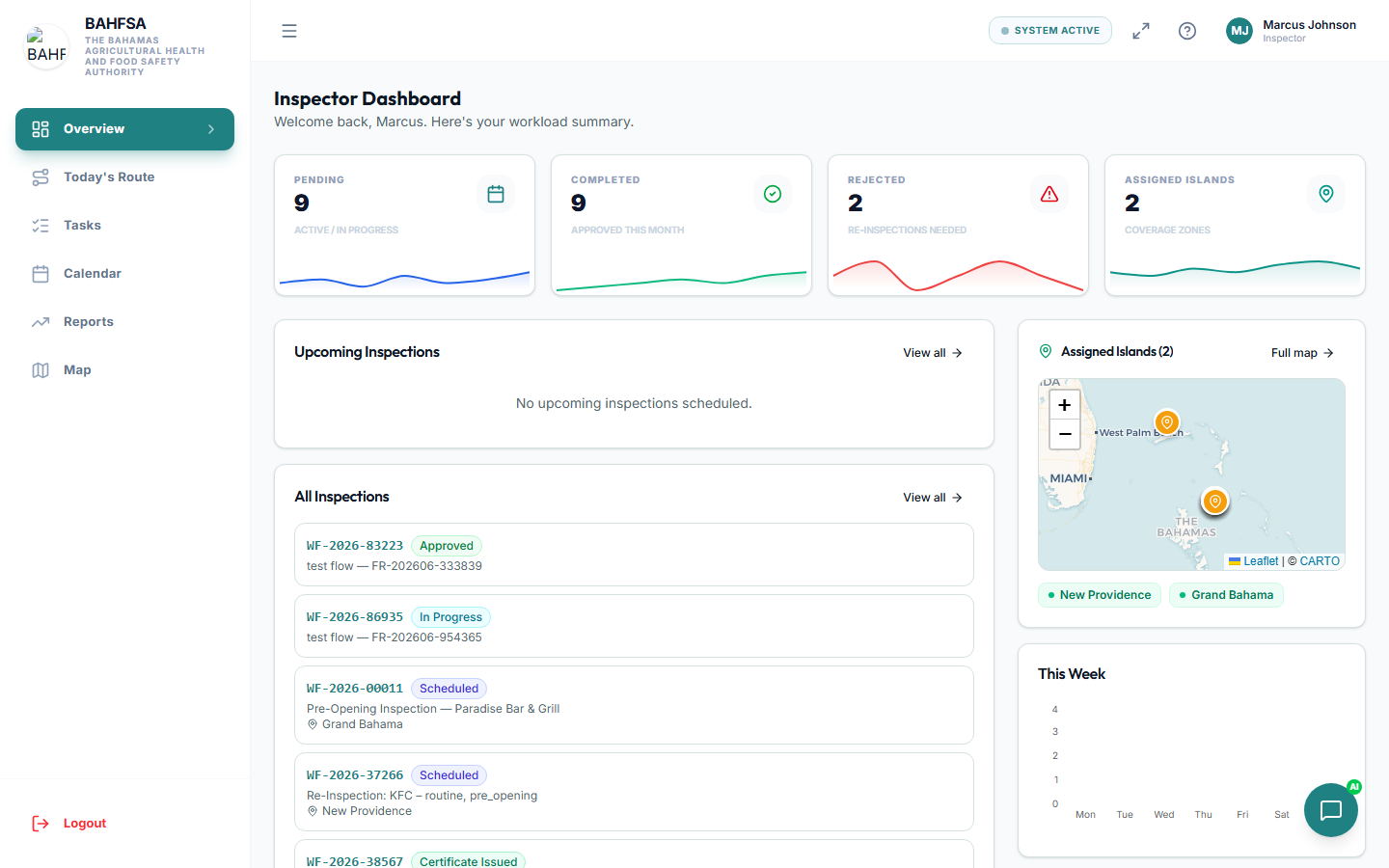 Your dashboard highlights today's work and anything that needs attention.
What you can do
| Task | Description | Guide |
|---|---|---|
| ✅ See your tasks | All the inspections assigned to you, in one place. | Your Tasks |
| 🗺️ Follow your route | Today's stops, in a sensible order. | Daily Route |
| 📋 Carry out an inspection | Start on site, record findings, take photos, sign off. | Carrying Out an Inspection |
| 📝 Complete the checklist | Work through the inspection checklist and score it. | The Checklist |
A typical inspection day
1. Check your tasks → 2. Follow your route → 3. Inspect on site → 4. Submit for review
- Open Tasks to see what's assigned.
- Use Today's Route to plan your stops.
- At each site, start the inspection, complete the checklist, add photos, and sign.
- Submit — your manager reviews it and makes the decision.
Works offline
Connectivity in the field can be patchy. You can complete a checklist without internet — your answers are saved on your device and sync automatically once you're back online. See The Checklist.
Your dashboard
Your home screen highlights today's work and anything that needs attention, so you can get going quickly.