Daily Route
Today's Route shows the inspections you have scheduled for the day, plotted on a map and listed in a sensible order to reduce travel.
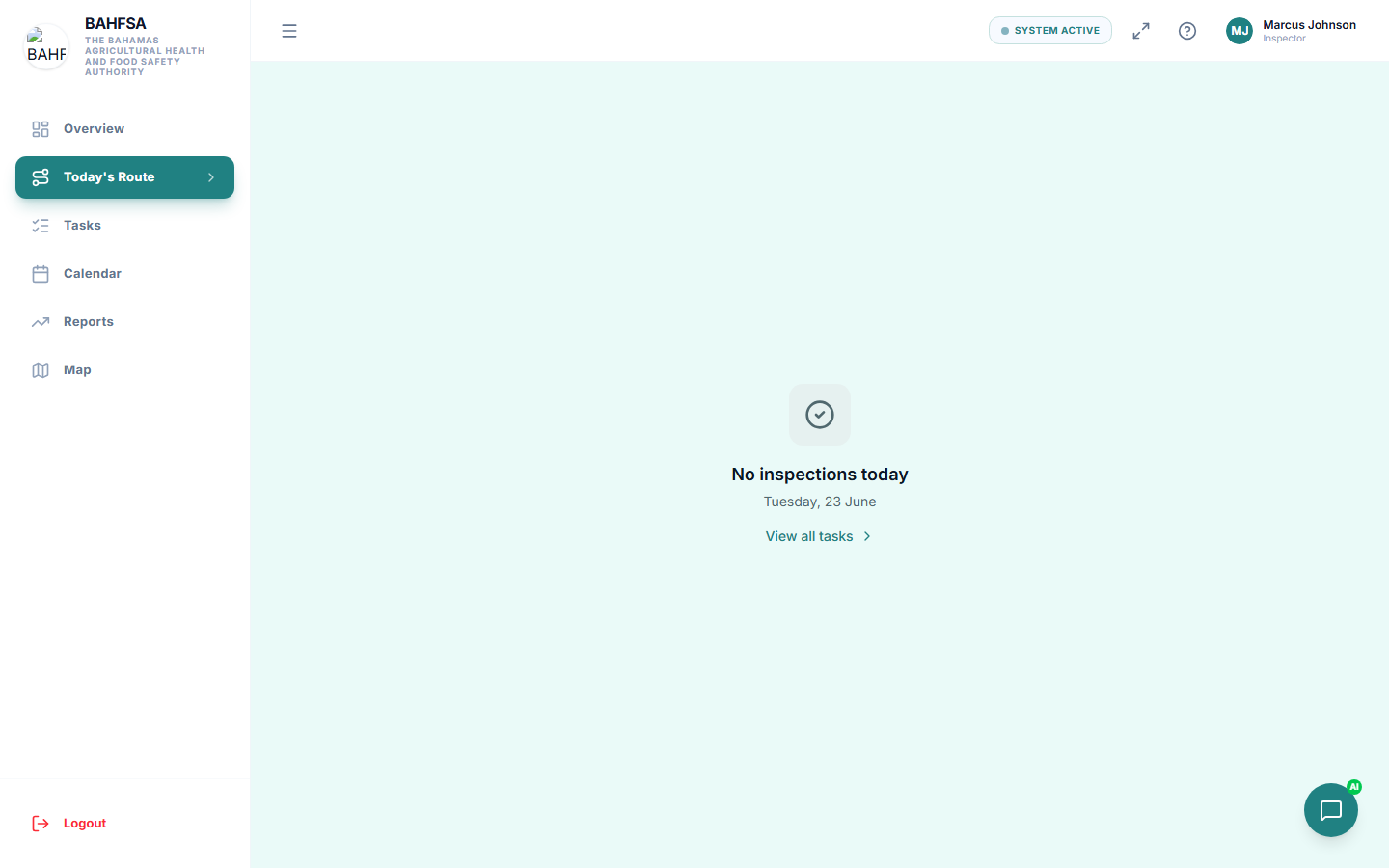 Your day's stops, shown on a map and as an ordered list.
Opening your route
In the menu, select Today's Route. You'll see:
- A map with each stop marked.
- A list of stops in suggested order, with addresses and time slots.
Using the route
- Tap a stop to see its details or to open the inspection.
- Use the addresses to navigate with your usual maps app.
- As you complete each inspection, work down the list.
Sharing your location
While you're out in the field, the Portal can share your live location with your manager so they can see progress and coordinate. You may be asked to allow location access on your device — this is normal for field work.
You can usually start and stop sharing from the screen. Your manager sees your position on a live map back at the office.
:::note Why location is used Live location helps managers know an inspector is on site, see arrival, and keep schedules realistic. It's used for coordination during the working day. :::
No route showing?
If Today's Route is empty, you may have no inspections scheduled for today, or they haven't been assigned yet. Check Tasks or with your manager.