Tracking Your Application
After you apply, you can follow its progress at any time.
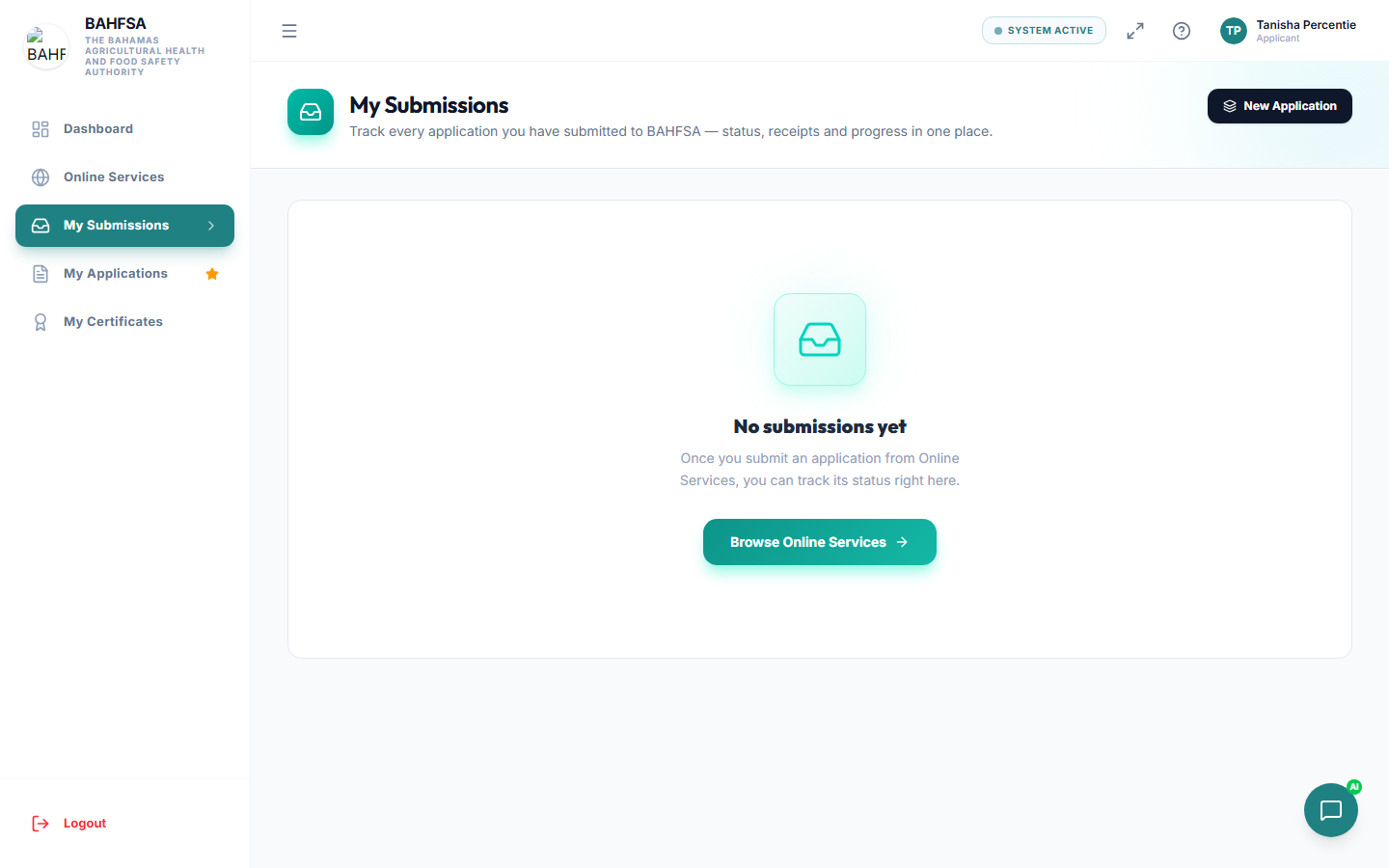 Your submissions in one place — select any one to see its status and history.
Where to look
- My Applications — your permit/licence applications.
- My Submissions — forms you've submitted online.
Select any item to open it and see its current status and history.
Understanding the status
Your application moves through stages. Common ones you'll see:
| Status | What it means |
|---|---|
| Draft | Started but not yet submitted. You can still edit it. |
| Submitted | Sent in and waiting to be looked at. |
| Awaiting payment | A fee is due before it can continue. |
| Scheduled | An inspection has been booked. |
| Under review | Staff are reviewing your application or the inspection results. |
| Approved | Success — a certificate is usually issued. |
| Not compliant | Issues were found; a re-inspection may follow. |
| Rejected | The application was not approved. |
The exact wording can vary by service, but the idea is the same: it tells you where things stand.
The progress timeline
Open an application to see a timeline of what's happened — when it was submitted, paid, inspected, and decided. This is the easiest way to see what's next.
Notifications
You'll be notified (in the Portal and by email) at key moments — for example when payment is needed, an inspection is scheduled, or a decision is made. See Notifications.
Requesting a re-inspection
If your application needs another inspection, you may see an option to request a re-inspection, sometimes with a choice of date or time. Follow the on-screen steps.
Need to follow up?
Quote your reference number if you contact BAHFSA about your application — it helps staff find it quickly.