Paying Fees
Some services have a fee. You can pay securely online by card.
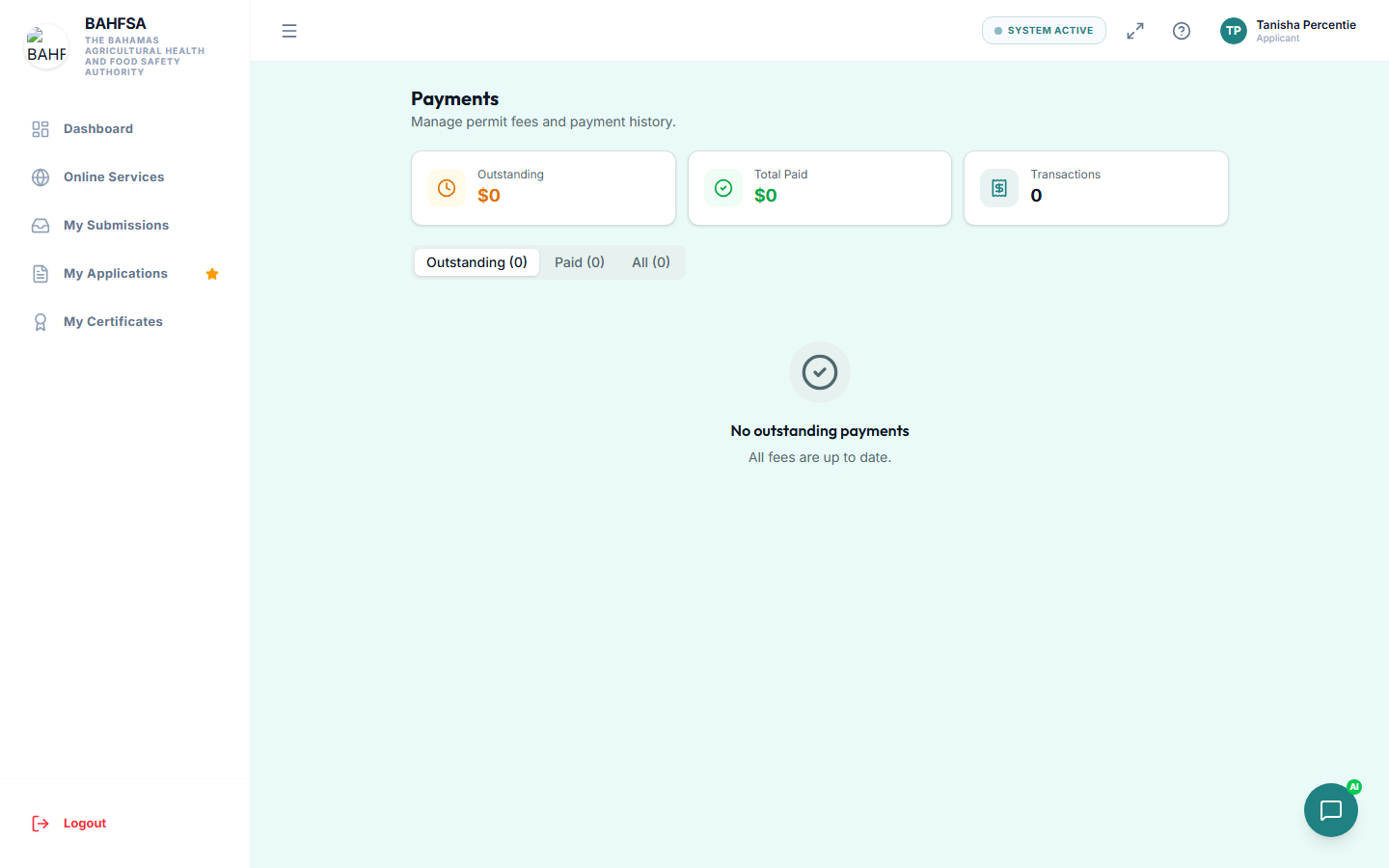 Your payments — see what's due and your payment history.
How to pay
- When a fee is due, the Portal shows the amount and a Pay button. This may appear right after you submit, or under your application later.
- Select Pay.
- Enter your card details on the secure payment screen.
- Confirm the payment.
Once it goes through, your application automatically continues to the next stage — you don't need to do anything else.
Your receipt
After a successful payment:
- You'll see a confirmation on screen.
- A receipt is emailed to you, showing the amount, reference number, and transaction details.
- You can view payment history under Payments in the menu.
About the amount
- Fees are shown in Bahamian Dollars (BSD).
- The amount is set by the service you're applying for — some are a fixed fee, others depend on options you selected in the form.
Is it safe?
Yes. Card payments are processed by a trusted, secure payment provider. The Portal never stores your full card number.
Payment didn't work?
- Make sure your card details and billing information are correct.
- Try again, or use a different card.
- If money left your account but the application still shows awaiting payment, wait a few minutes and refresh — confirmations can take a moment. If it still looks wrong, contact BAHFSA with your reference number.
See also Troubleshooting.