System Settings
Administrators manage the lists and settings that the rest of the Portal relies on.
Lookups (dropdown lists)
Many forms use dropdown lists — islands, business types, inspection types, time slots, and so on. These are called lookups, and you control them.
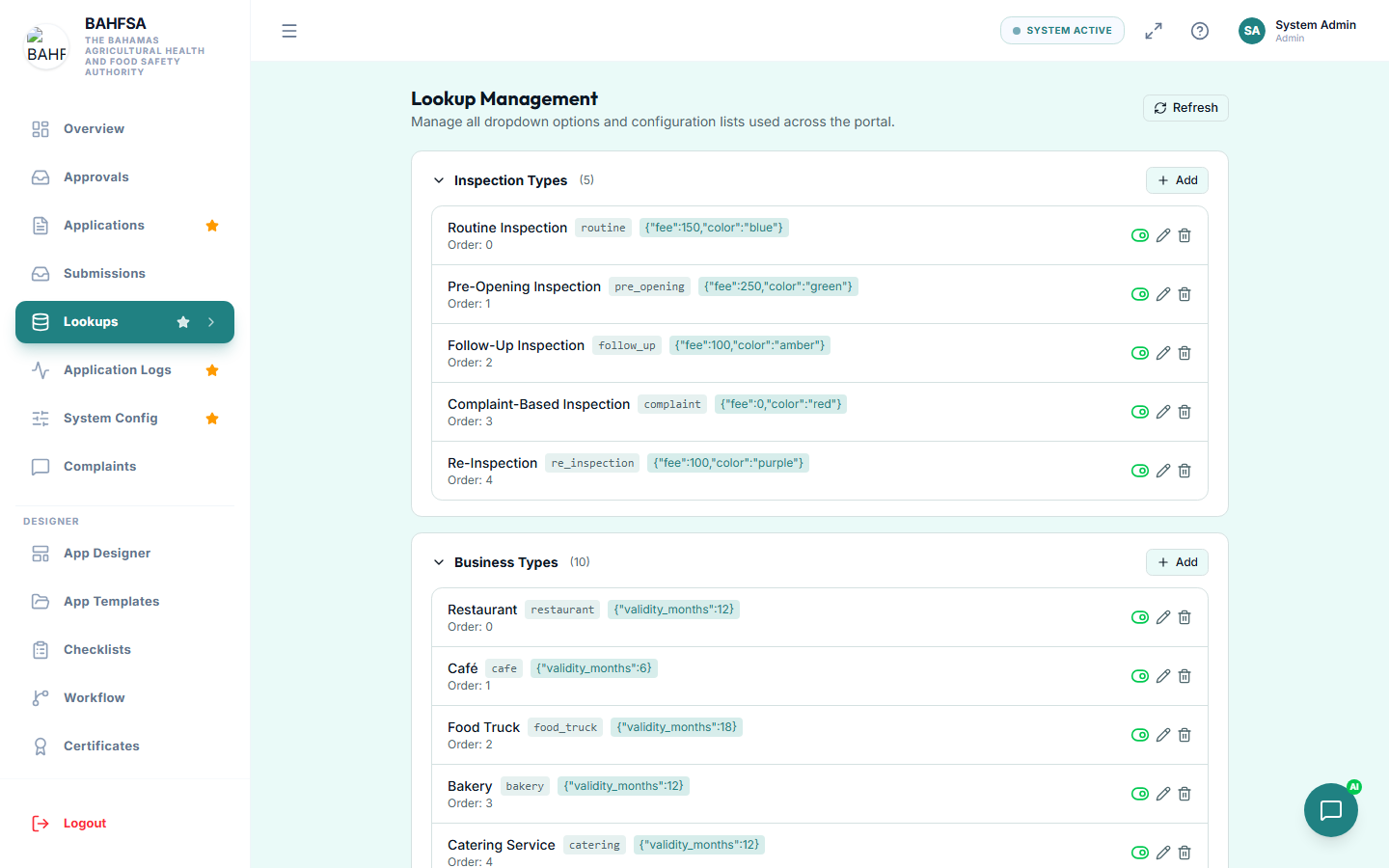 Manage the dropdown lists used across the Portal.
In the menu, open Lookups. For each list you can:
- Add a new option.
- Edit an option's label.
- Reorder options.
- Remove an option you no longer need.
Changing a lookup updates it everywhere it's used, so you don't have to edit forms one by one.
System configuration
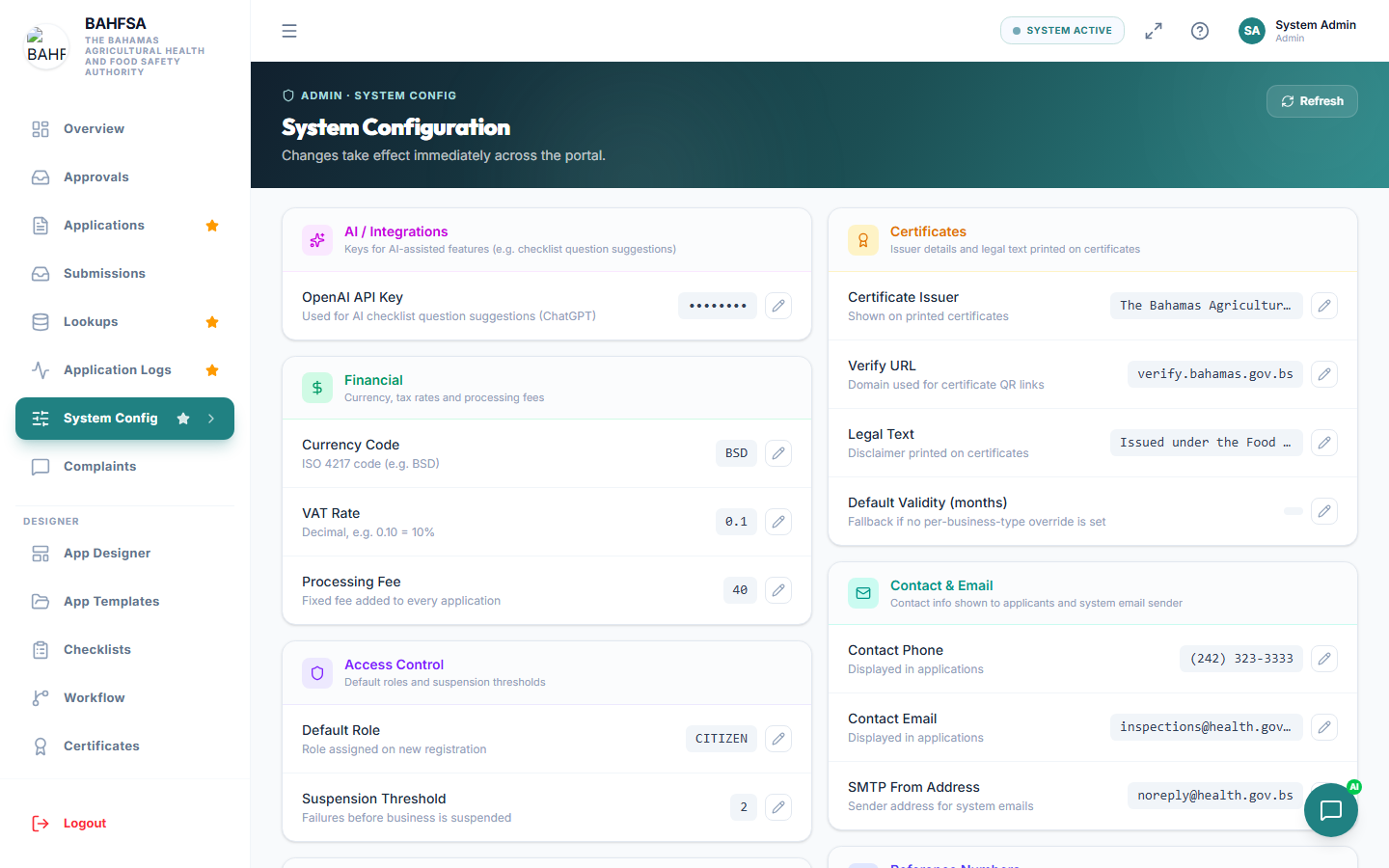 Global settings like currency and the certificate issuing authority.
In the menu, open System Config for global settings, such as:
- The currency shown to citizens.
- The issuing authority name printed on certificates.
- Keys for optional features (like the AI assistant).
Update a value and save — the change applies across the Portal.
Other administration screens
| Screen | What it's for |
|---|---|
| Application Logs | A history of actions taken on applications — useful for audits. |
| File Storage | An overview of uploaded files and space used. |
| Monitoring | System health and who's active — see Reports & Monitoring. |
:::tip Keep lists tidy Review your lookups occasionally and remove options that are no longer used — it keeps forms clean and easy for citizens. :::