Reports & Monitoring
As an administrator you have the full Reports suite, plus tools to keep an eye on the system itself.
Reports
You can open Reports for the same dashboards managers use — totals, trends, inspector performance, certificates issued, and more, with filters by date, island, inspector, and business type. There's also an AI assistant that answers plain-language questions about your data.
For a full walkthrough of each report, see the manager guide: Reports.
Monitoring system health
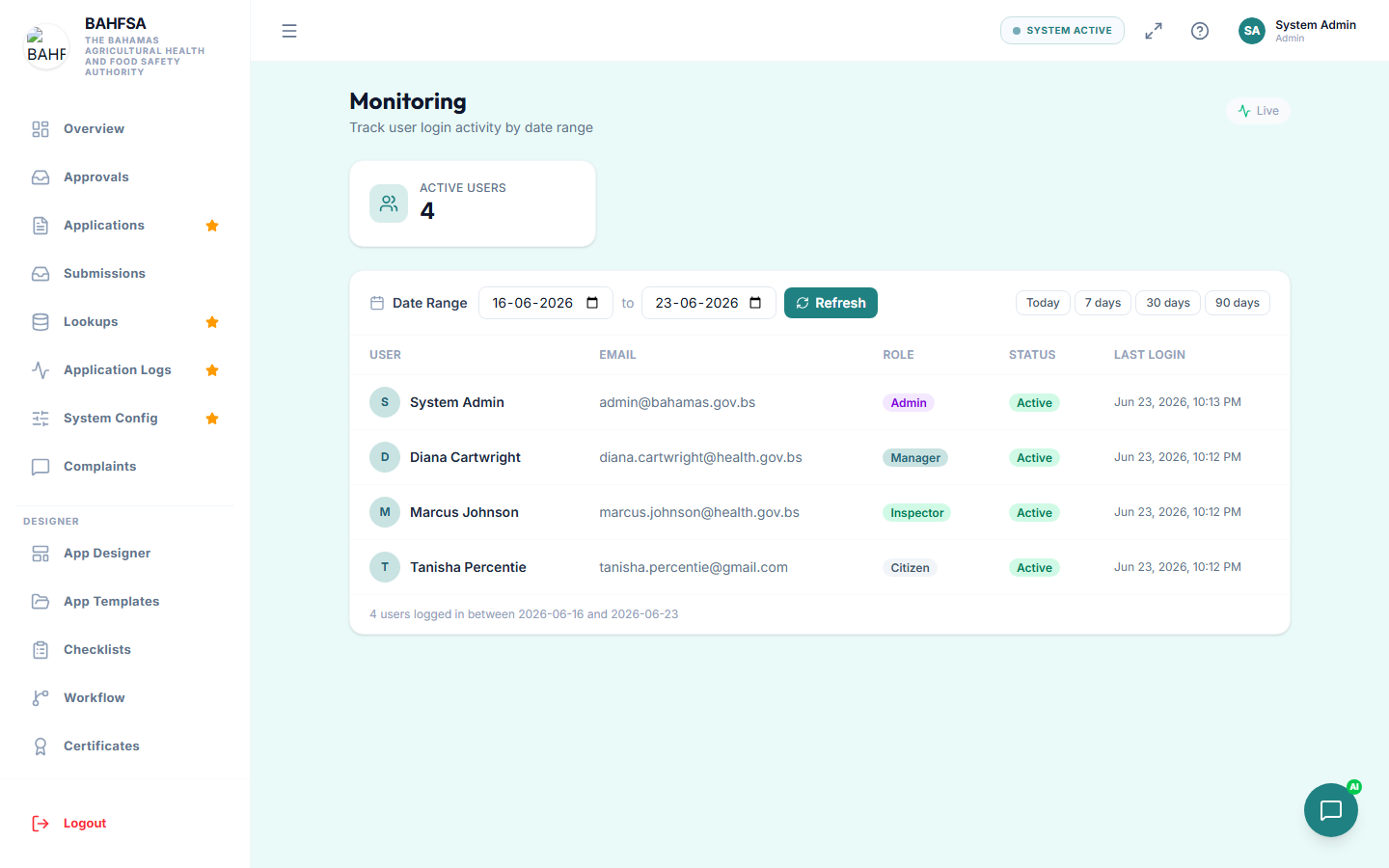 Keep an eye on storage use and active users.
In the menu, open Monitoring to check how the Portal itself is doing:
- Storage — how much file space is in use (from uploaded documents, photos, and certificates).
- Active users — who's using the Portal over a chosen period.
This helps you spot when storage is filling up or see usage patterns.
Application logs
Application Logs show a detailed history of actions taken on applications — useful when you need an audit trail or to investigate a specific case.
:::tip Regular check-ins A quick weekly look at reports and monitoring helps you catch issues early — rising backlogs, overdue inspections, or storage running low. :::