Designing Forms
The App Designer lets you build the online forms citizens fill in — with no coding. A form can have multiple pages, many kinds of fields, your own colours, and even a fee.
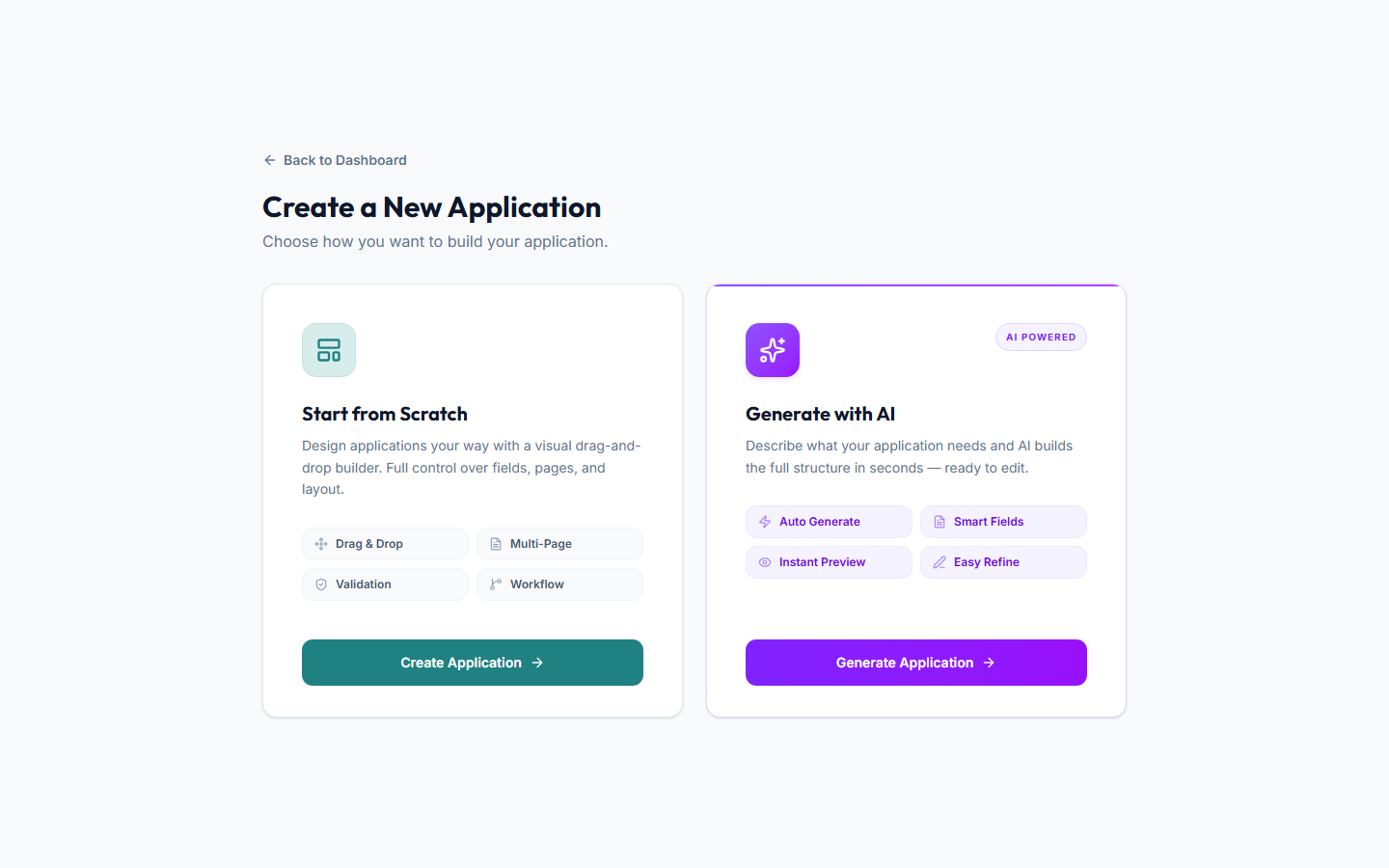 The App Designer — where you build the forms citizens fill in.
Start a new form
- In the menu, open Designer → App Designer.
- Choose to create a new form.
- Give it a name and description.
:::tip Let AI draft it for you There's an option to generate a form with AI — describe the service in plain words (for example, "a food truck permit application") and the Portal drafts a starting form you can then refine. :::
Add pages and fields
Forms are organised into pages (steps). On each page you add fields — the questions people answer.
Field types you can use include:
- Text, number, email, phone
- Name and address
- Dropdown, multiple choice, checkboxes, toggle
- Date
- File upload
- Map location
- Signature
- Fee schedule (a list of priced options)
For each field you can set a label, help text, whether it's required, and how wide it appears.
Style the form
Adjust the form's colours and corner roundness so it matches your branding. There are simple controls for the main colour, background, text, and more.
Add a fee (optional)
If the service has a fee, turn on payments and choose either:
- A fixed amount, or
- An amount that comes from a field (for example, a fee schedule the applicant chooses from).
Citizens then pay as part of submitting — see the citizens' guide to Paying Fees.
Connect a workflow (optional but recommended)
To make submissions flow into review and approval, link the form to a workflow. Once linked, every submission automatically starts that workflow. See Building Workflows.
You can also map form answers onto the inspection (for example, send the "business name" answer straight through), so staff don't re-type anything.
Publish it
A form isn't visible to the public until you publish it. When you're happy:
- Select Publish.
- The service now appears under Online Services for citizens.
You can unpublish at any time to take it offline, and manage all your forms under Designer → App Templates.